Setup Guides
How to Install IPTV on Firestick (2026 Step-by-Step Guide)
20 February 2026 · 5 min read
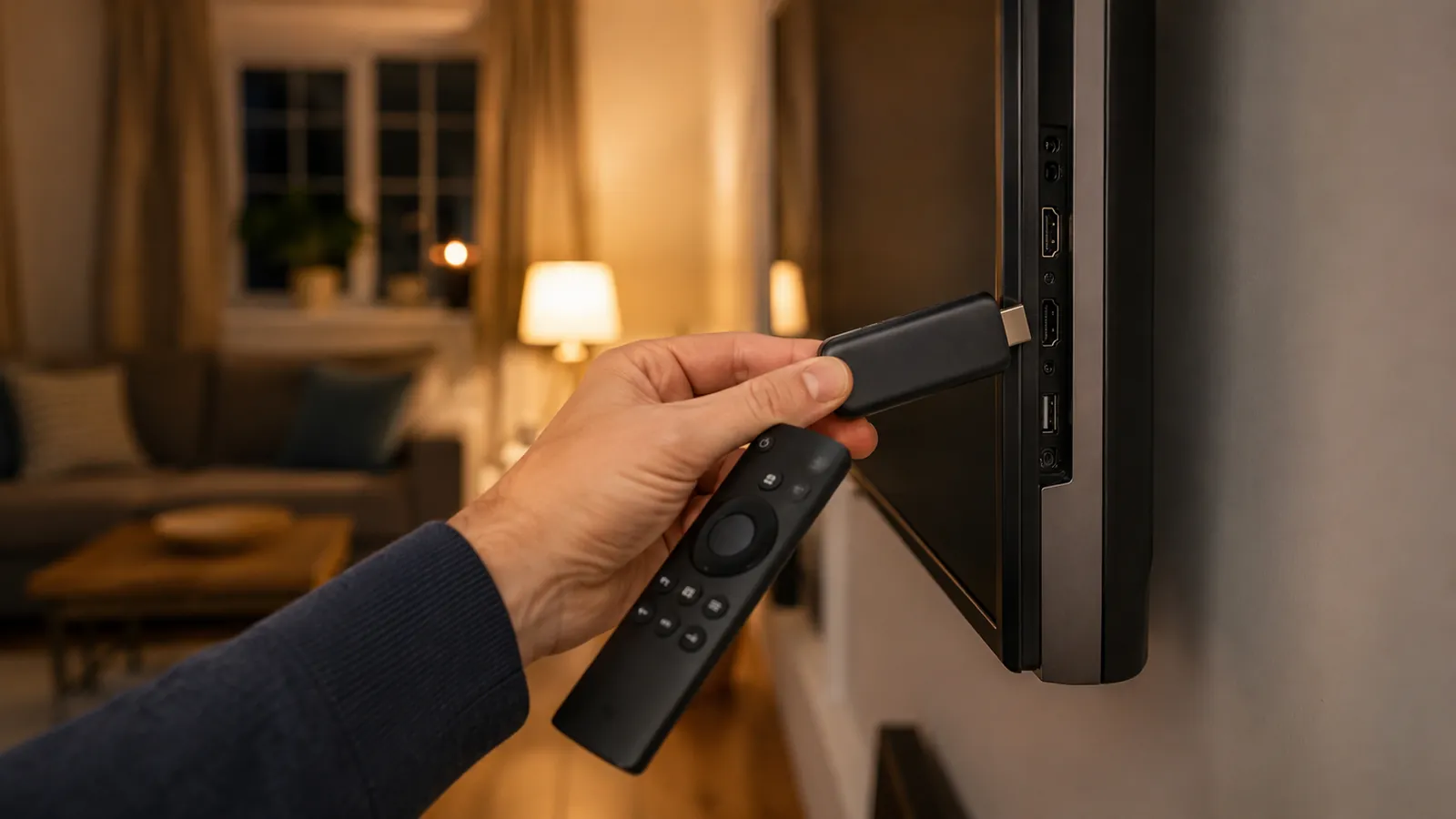
Amazon Firestick remains one of the most popular ways UK households watch IPTV. It's inexpensive, plugs straight into any HDMI port, and runs every major IPTV player app. Here's the full setup from a blank device to your first channel.
Before you start
Make sure you've subscribed to a plan and have your login details (M3U URL, or username and password) from your welcome email. Have your Firestick connected to Wi-Fi and updated to the latest software.
Step by step
- Go to Settings > My Fire TV > Developer Options and turn on Apps from Unknown Sources.
- From the home screen, search for and install the free ‘Downloader’ app.
- Open Downloader and install a player app. IPTV Smarters Pro and TiviMate are both excellent, widely used free options.
- Open the player app, choose ‘Add User’ or ‘Add Playlist’, and enter the M3U URL or Xtream login from your welcome email.
- Wait for the channel list to sync, then start watching. Use the EPG to browse what's on now and next.
IPTV Smarters Pro or TiviMate: which should you pick?
IPTV Smarters Pro has a simpler, more guided setup and a clean grid layout, a good default for most people. TiviMate has a more customisable, TV-guide-style interface favoured by users who watch a lot of live sport and want fast channel switching. Both work perfectly with IPTV Main.
If a step doesn't match what you see on screen, Amazon occasionally tweaks the Fire TV menu layout, but the same settings are always there under Settings > My Fire TV.